Practice tests for imaging technologists
Know why every answer is right.
Original exam-style questions for DEXA and CT technologists, explained step by step, with timed exam simulations. Free demo, then $35 once.
- Secure checkout by Stripe
- 48-hour money-back guarantee
- Instant access after payment
- One-time $35 · lifetime license
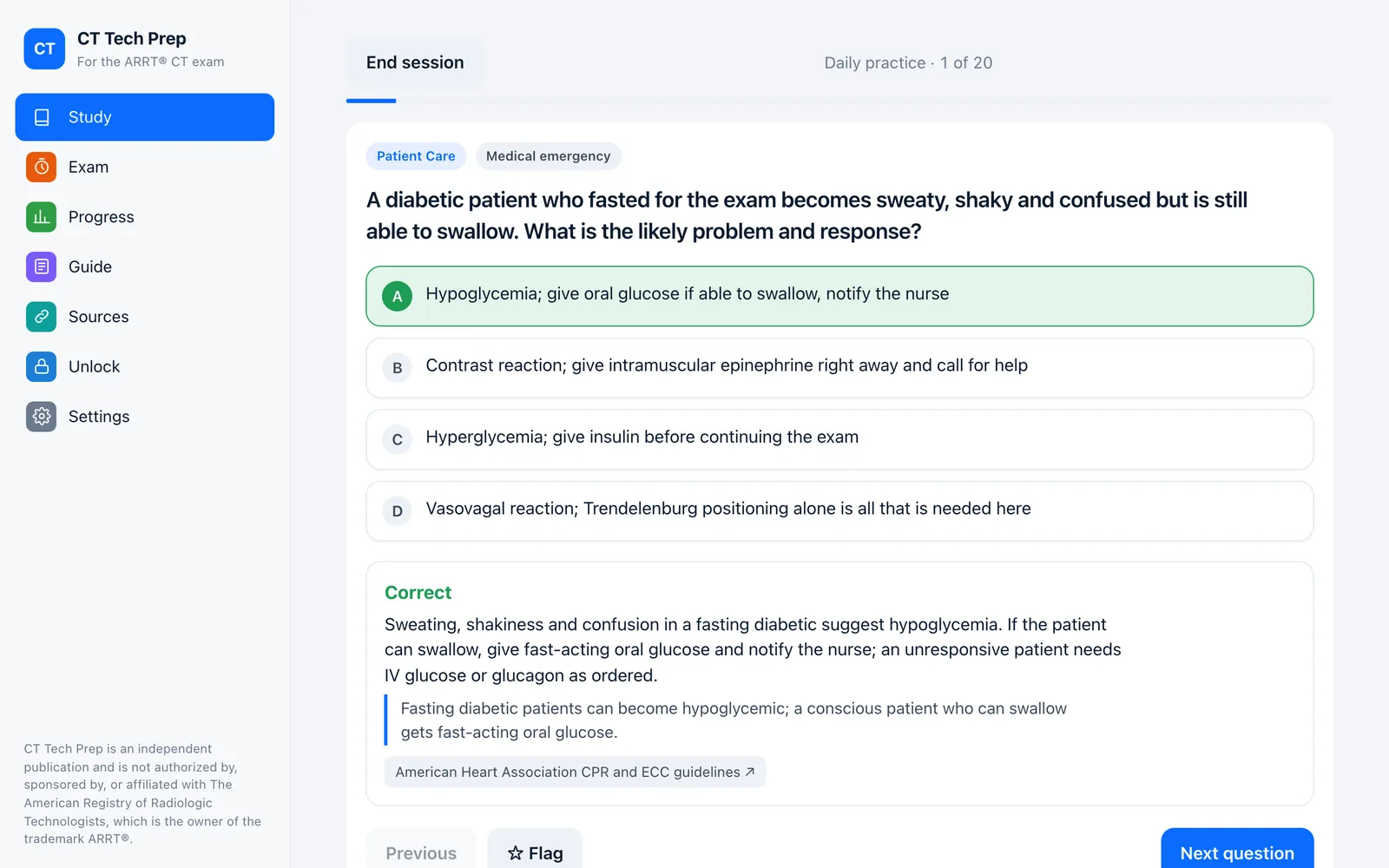
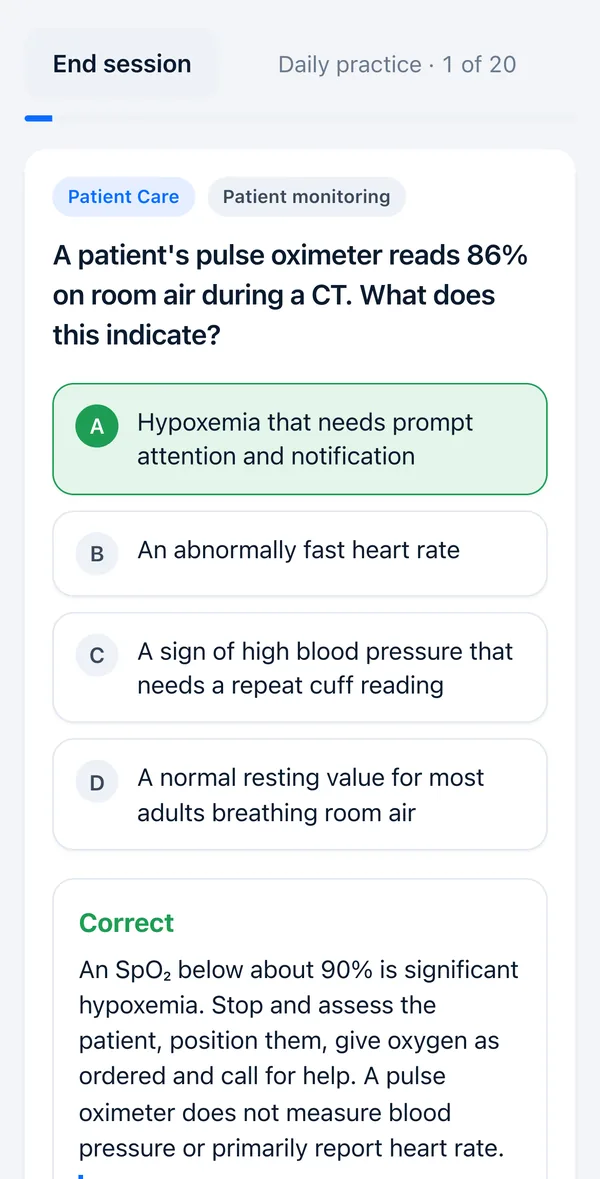
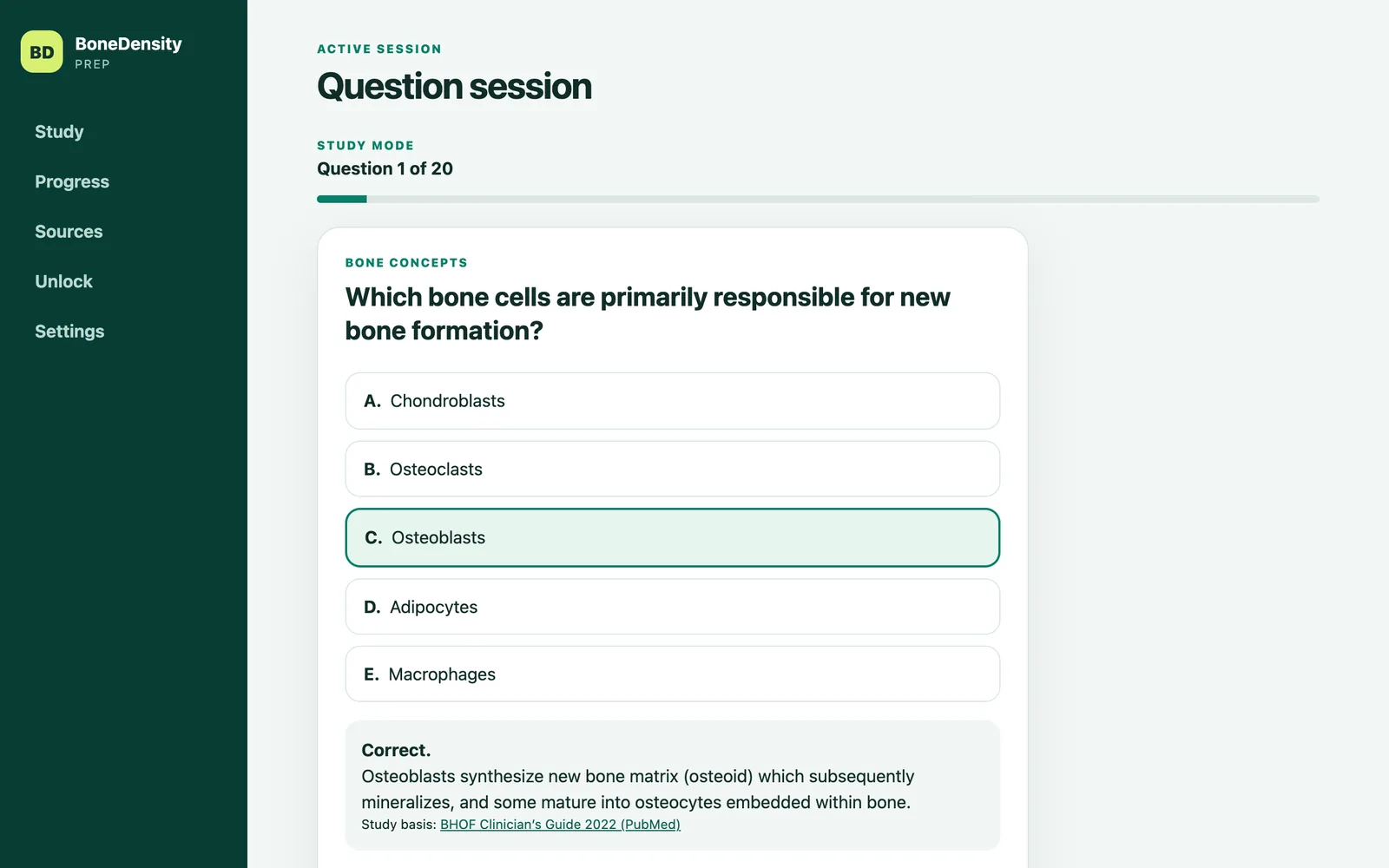
Try a question
One real question from each free demo. Pick an answer to see the explanation.
Choose your course
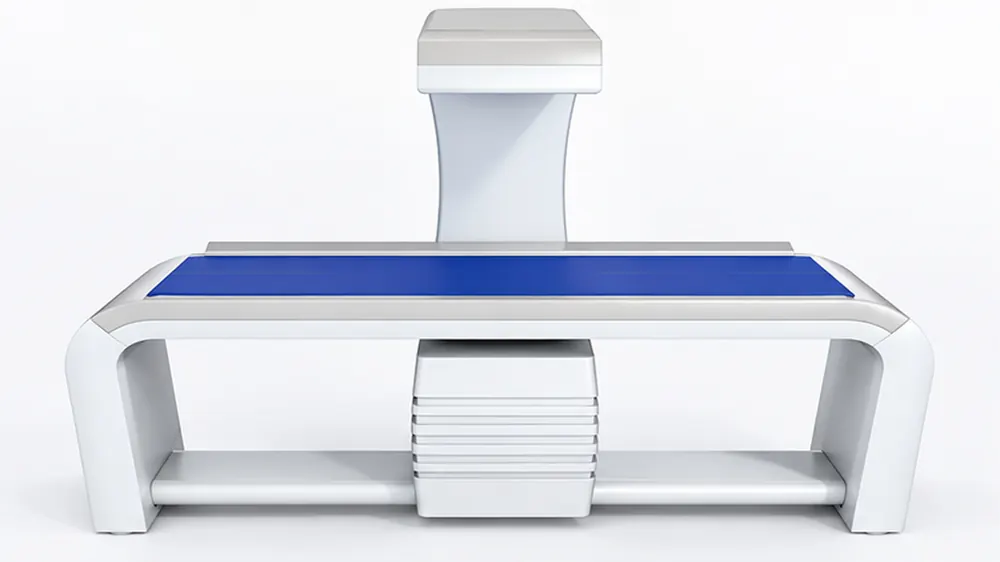
DEXA Technologist
BoneDensity Prep
For ISCD CBDT® and ARRT® BD bone densitometry exams
Updated October 2026 · What’s new- 648 original questions
- Practice by ISCD CBDT or ARRT BD outline
- Two timed exam simulations: CBDT-style and ARRT-style
- Free demo: 37 questions, no sign-up
$35 one-time · lifetime license
New: Whole Body DXA study guide (PDF) — $15, or $45 together with BoneDensity Prep
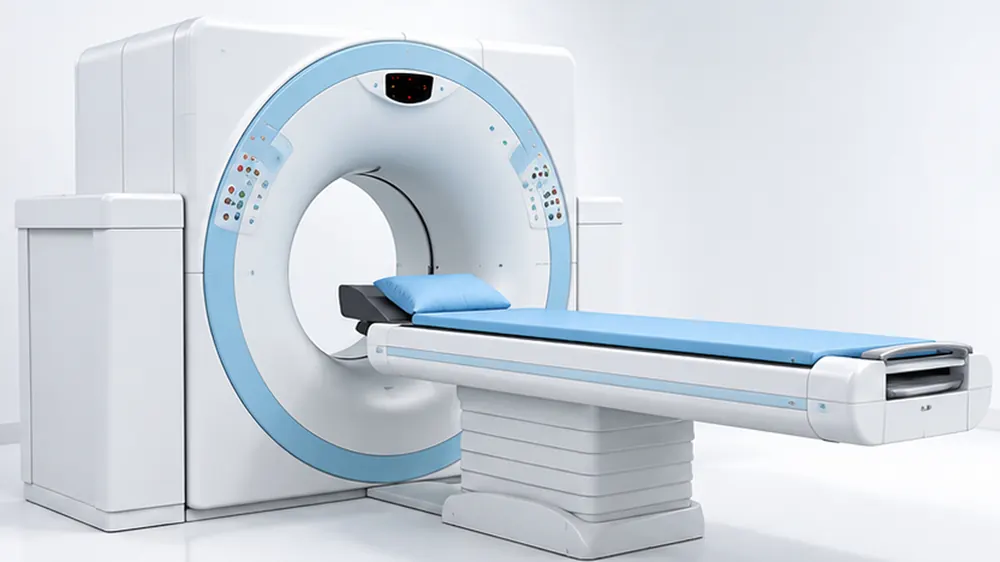
CT Technologist
CT Tech Prep
For the ARRT® Computed Tomography exam
Free CT study guide (PDF)- 430 original questions
- 7 content areas + quick-reference guide
- 165- and 55-question exam simulations
- Free demo: 40 questions, no sign-up
$35 one-time · lifetime license
MRI Technologist
Practice tests for MRI exams
X-Ray Technologist
Practice tests for radiography exams
Study guides
Short PDF guides to read before or alongside the practice tests. Free guides cost nothing; paid guides show their price and are a one-time purchase with an instant download.
Free Free guides
Start here: the basics of the job and the exam.
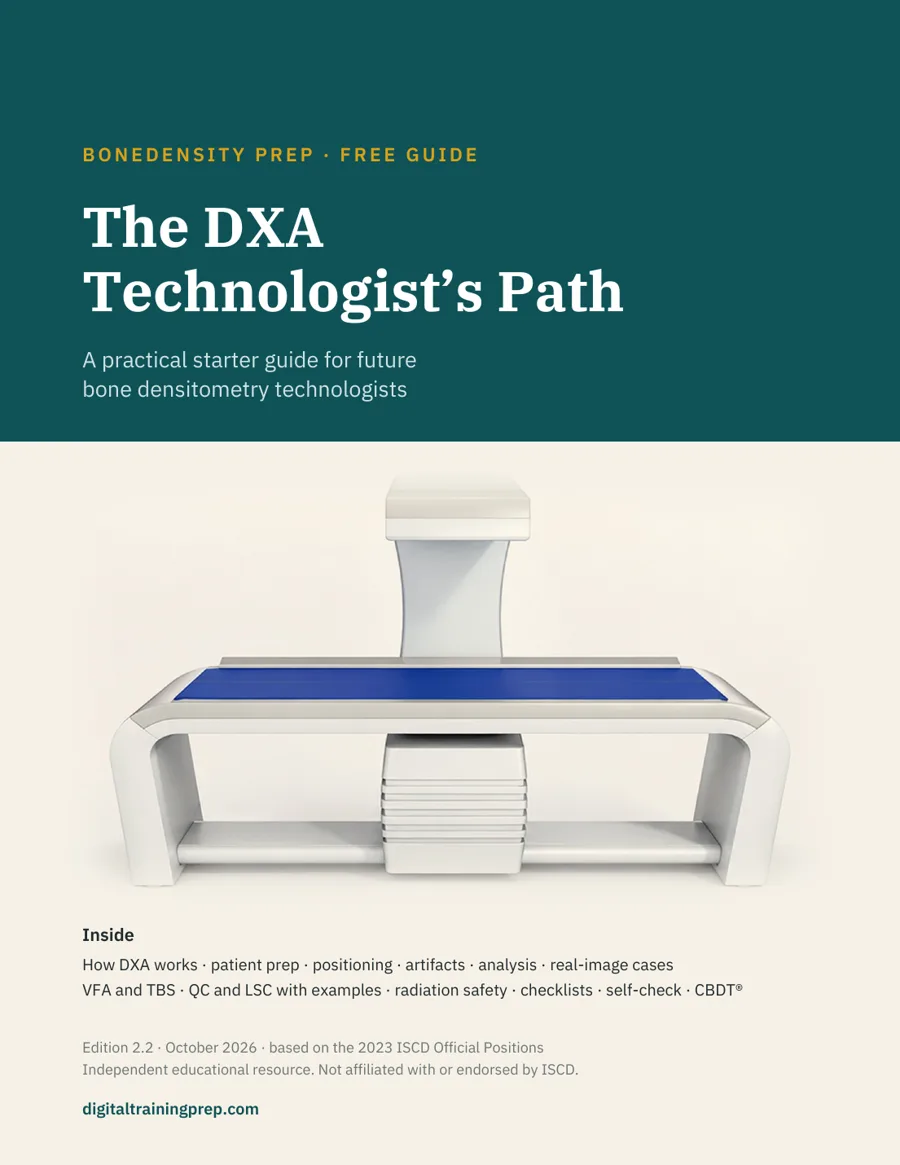 The DXA Technologist’s PathDEXA starter guide · 25 pagesFree
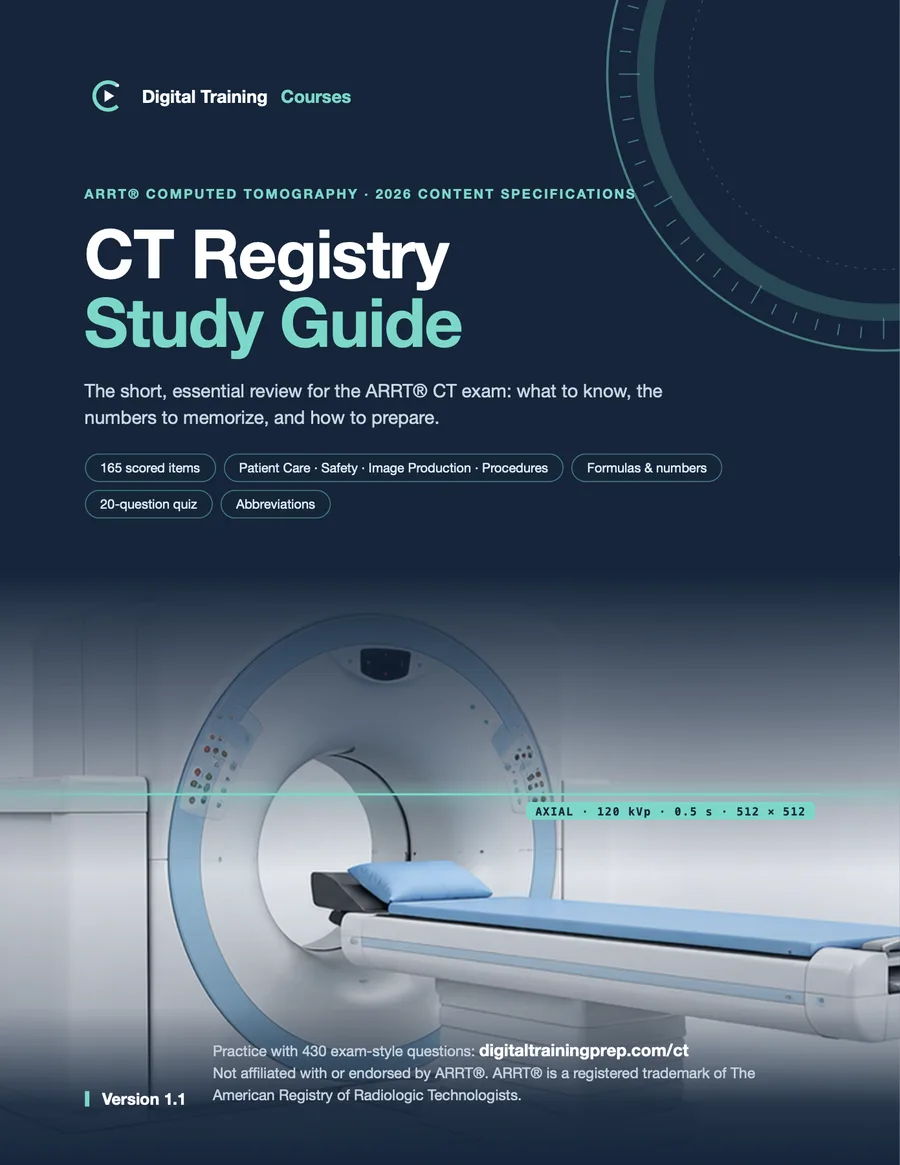 CT Registry Study GuideARRT® CT review · 18 pagesFree
Paid Paid guides
In-depth guides on one topic, with self-check questions.
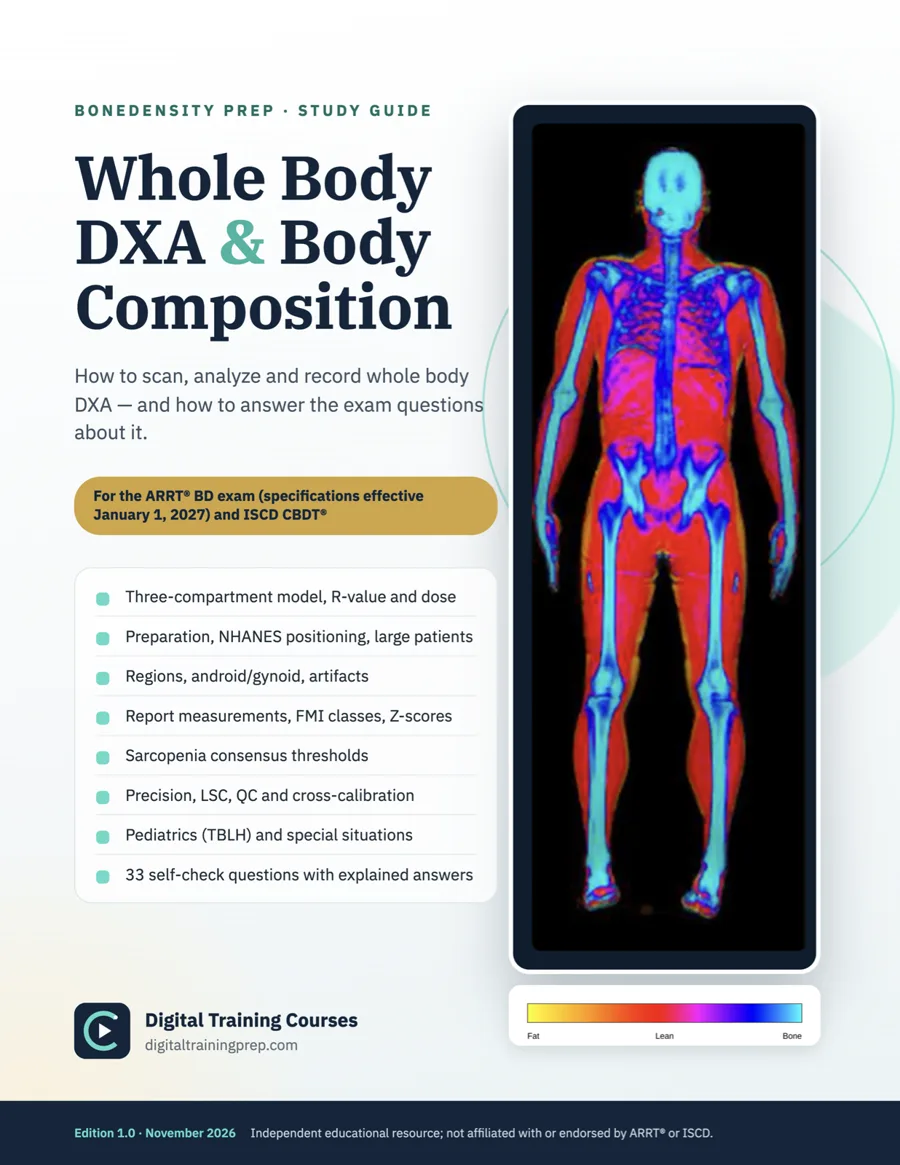 Whole Body DXA and Body CompositionARRT® BD and ISCD CBDT® · 45 pages · 33 questions$15
More paid guides will be added here. Each one is marked with its price.
Get a free DEXA or CT question every week
One exam-style question in your inbox each week, with the answer explained. A one-minute habit that keeps the material fresh.
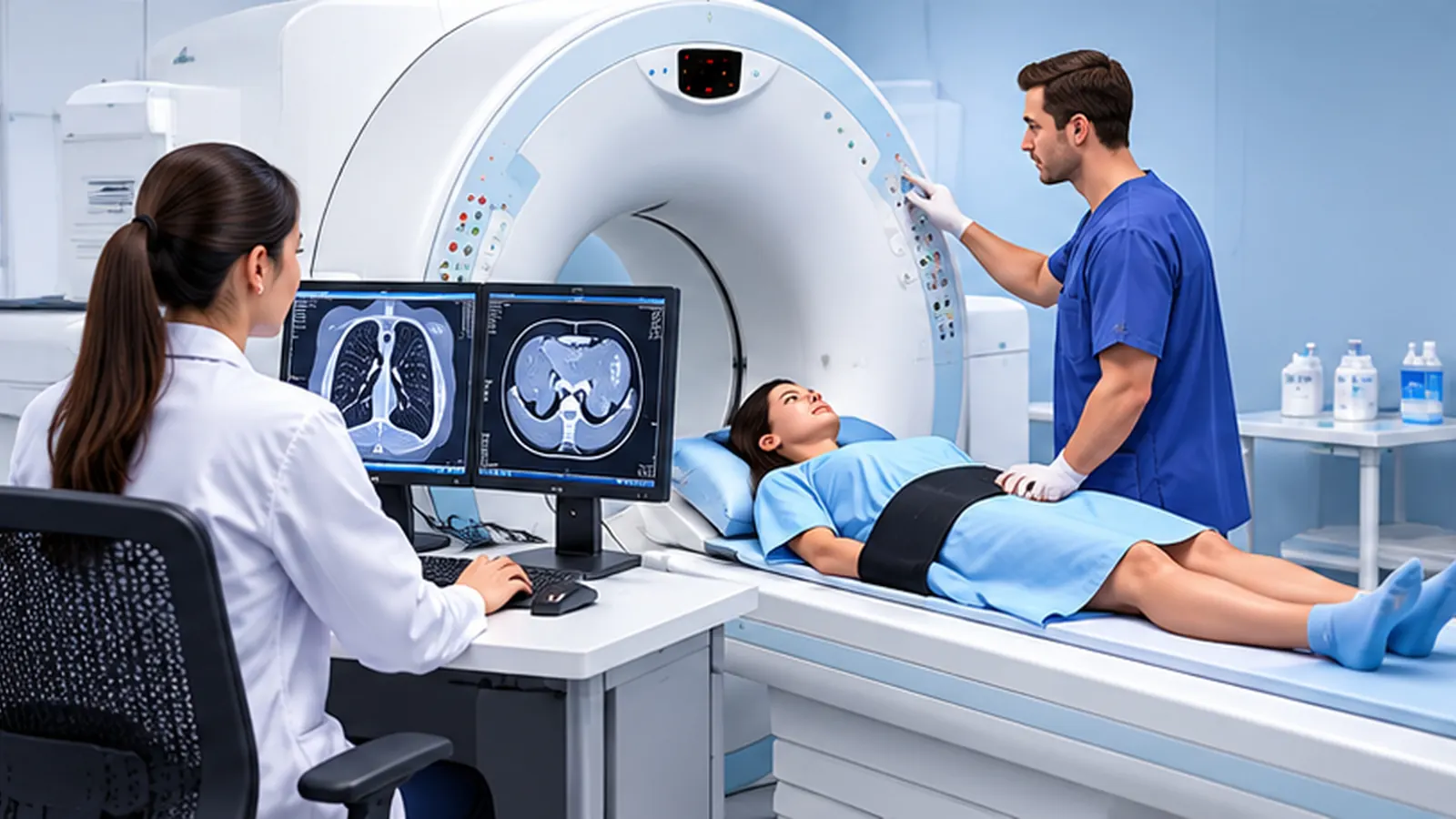
Made for imaging technologists
Study between shifts, not instead of them
- Short sessions: 10, 20 or 40 questions, with progress saved on your device
- Explanations written for the scanner room: positioning, dose, contrast, patient safety
- Full timed simulations when you are ready to test yourself
Independent study tools — not affiliated with ARRT®, ISCD or any testing organization.
How it works
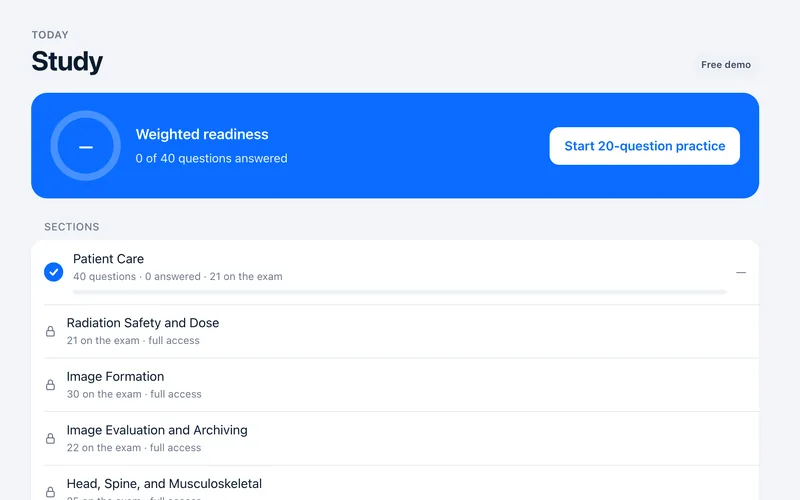 Try the free demoOpen a course and answer real practice questions with full explanations. No account, no card.
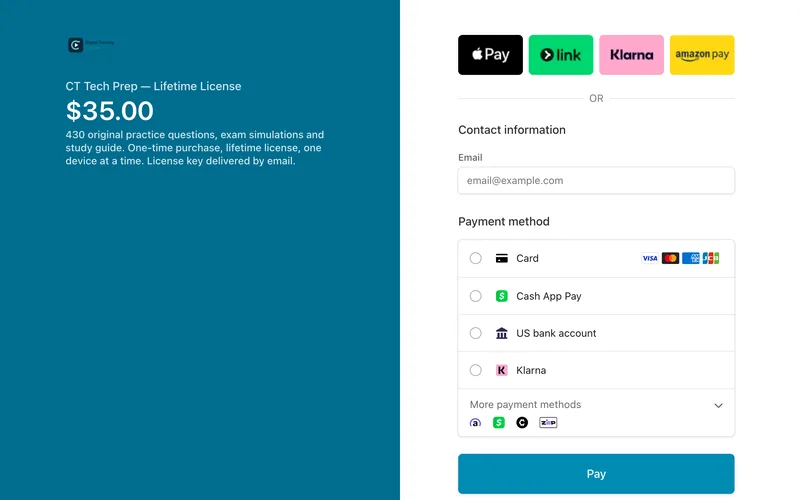 Buy once — $35Secure checkout by Stripe: card, Apple Pay and more. No subscription, no renewals.
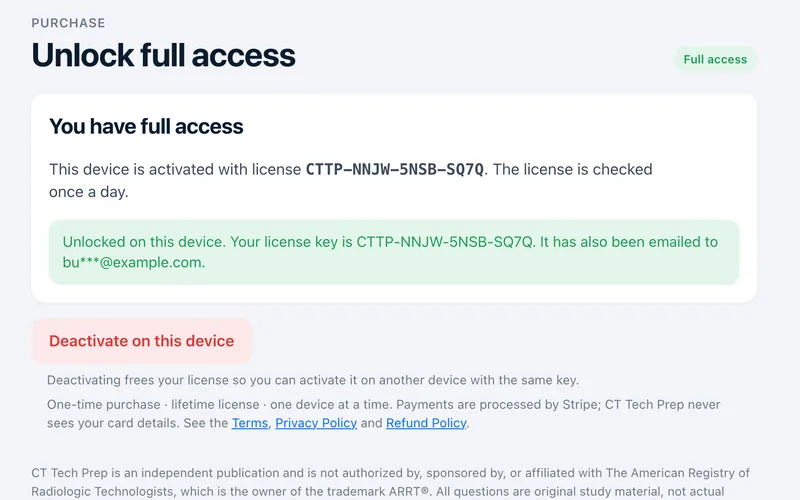 Study right awayYou return to the course unlocked. Your license key is shown on screen and emailed to you.
Frequently asked questions
Can I try before I buy?
Yes. Each course opens with a free demo section so you can try the questions, explanations and progress tracking first. No account is needed.
How much does full access cost?
Each course is a one-time payment of $35. There is no subscription.
Are these the real exam questions?
No. All questions are original practice material written to match the topics and weighting that certifying bodies publish. They are not actual examination items, and practice scores do not predict official scores.
Can I get a refund?
Yes. Within 48 hours of purchase for any reason, and within 14 days if the course does not work on your device and our support cannot fix it. Try the free demo first to make sure it fits you. See the Refund Policy.
Who is behind these courses?
Digital Training Courses is an independent publisher of study tools for medical imaging professionals. We are not affiliated with ARRT®, ISCD or any testing organization. Questions or feedback: digitaltraningcourses@gmail.com.
Help with access
How do I get access after paying?
After checkout you return to the course already unlocked and see your license key (CTTP-… for CT, DEXA-… for BoneDensity Prep). The key is also emailed to you from support@digitaltrainingprep.com. Copy it and keep it: it is your proof of purchase and lets you reactivate the course at any time.
I paid, but the course is still locked. What should I do?
This usually happens when the course is opened in a different browser or on a different device from the one used at checkout, or inside an app such as Instagram, Facebook or a mail app. Open digitaltrainingprep.com/dexa/ or digitaltrainingprep.com/ct/ in Safari, Chrome or Edge, choose Unlock → Enter license key, and paste the key from your email. If you see “already active on another device”, email us and we will reset it within 24 hours.
Where is my license key?
It is shown on screen right after payment and emailed to the address you used at checkout, from support@digitaltrainingprep.com, with the subject “Your … license key”. Check your Spam or Promotions folder. Still nothing? Email us with the address you paid with and we will resend it.
Can I use the course on more than one device?
The license is active on one device at a time. To switch, enter the same key on the new device and choose Move license to this device (or first choose Unlock → Deactivate on this device on the old one). Your progress is stored in each browser, so it does not move with the key.
I got a new phone or computer, or cleared my browser.
Just enter your key again in the course. If it says the license is active on another device, choose Move license to this device: this device unlocks and the old one loses access. You can move the license yourself up to 3 times in 30 days; after that, email us and we will move it within 24 hours. Tip: when you clear your browser history, leave Cookies and site data unchecked so the course stays activated and keeps your progress.
Can I share my key with a friend?
No. Each license is for one person. Your friend can try the free demo and buy their own access; the key only works on one device at a time.
How do I contact support?
Email digitaltraningcourses@gmail.com, or simply reply to the email with your license key. Please include the email address you paid with, your device and browser (for example, iPhone + Safari), and a screenshot of any message you see. We reply within 24 hours.
Start with the free demo
Answer a few questions now — buy only if it helps you study.